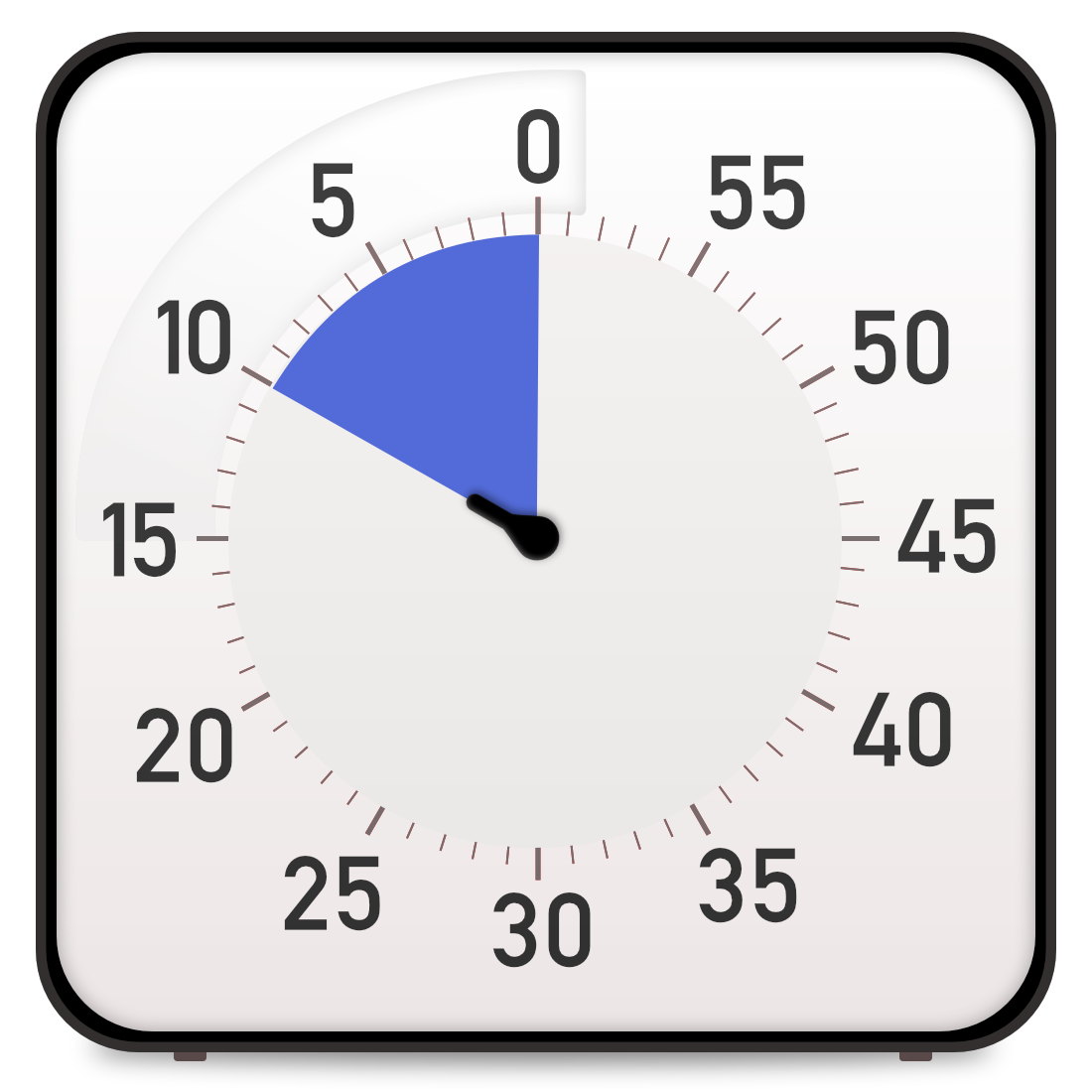

Visual Timers for Remote Work: Stay Focused Working from Home
Master remote work productivity with visual timers. Combat distractions, structure your day, and maintain work-life boundaries while working from home.
Working from home offers tremendous flexibility and autonomy, but it also creates unique challenges for focus and productivity. Without the structure of an office environment, the boundaries between work and personal life blur. Household distractions constantly compete for attention. The lack of external accountability makes it easy to drift into unproductive patterns. Isolation can reduce motivation and energy. Many remote workers struggle with either overworking or underperforming, and often alternate between both extremes. Visual timers address many of these challenges by providing structure, accountability, and clear boundaries in an environment that otherwise lacks them. By creating defined work periods separated from breaks and personal time, visual timers help remote workers maintain productivity without burnout. They serve as external accountability when self-discipline flags, mark clear transitions between work and home life, and provide the time structure that office environments naturally create.
Creating Structure in Unstructured Environments
One of the biggest challenges of remote work is the lack of inherent structure. In an office, your calendar provides framework: meetings create time boundaries, lunch happens at specific times, colleagues create natural interruptions and collaboration opportunities. At home, without these external structures, time can feel formless and days blur together. Visual timers create the structure that remote environments lack. Start by defining your work blocks using timers. Instead of a vague intention to 'work on the project,' set a 45-minute timer and commit to focused project work during that period. The visible countdown creates a container for your work, making the session feel concrete rather than undefined. Use timers to establish a daily rhythm. Begin your workday with a 30-minute timer for morning planning and email review. Follow with a 60-minute timer for deep work on your highest priority task while energy is fresh. Use a 15-minute timer for a real lunch break - not eating at your desk while working. The afternoon might include two 45-minute focused work sessions separated by a 10-minute movement break. End the day with a 20-minute timer for task wrap-up and next-day planning. This timed structure creates the rhythm that office environments provide automatically. It prevents the common remote work pattern of scattered, reactive work punctuated by household tasks and personal distractions. The visual timer makes the structure real and enforceable even when motivation is low.
Managing Household Distractions
Home environments are full of distractions that office spaces exclude: laundry that needs folding, dishes that could be washed, social media on personal devices with no workplace restrictions, comfortable couches calling for a nap, family members or roommates moving around, pets wanting attention. Without a visual timer marking work time, it is easy to justify 'just quickly' handling household tasks, which then fragment your focus and consume hours of potential work time. Visual timers create a commitment device for dealing with distractions. When you set a timer for a work session, you are making an agreement with yourself: for this defined period, I will work on this task and only this task. When distractions call, you can tell yourself 'I will handle that when the timer ends,' and write it on a distraction log. This externalizes the thought without losing it, while maintaining work focus. The visible countdown reinforces this commitment - you can see how much time remains, making it easier to defer the distraction. For particularly compelling household interruptions, the visible timer helps you make conscious choices. Is folding laundry right now worth abandoning this work session? Sometimes the answer is yes, but the timer makes the trade-off explicit rather than automatic. Family members and roommates can also see and respect the timer. Establish a household rule: when the timer is running, you are in focus time unless it is truly urgent. This creates boundaries that verbal explanations often fail to establish.
Work-Life Boundary Management
One of the most challenging aspects of remote work is maintaining healthy boundaries between work and personal life. Without a physical separation between office and home, work expands to fill available time. Many remote workers find themselves checking email at 9 PM, working on weekends, or never fully disconnecting. Alternatively, some struggle to start work at all, with the day slipping away to personal activities. Visual timers help establish and maintain these crucial boundaries. Use timers to mark the official end of your workday. Set a timer for your final work session, and when it completes, your workday ends. Shut down your computer, close your office door if you have one, or physically move your laptop out of sight. The timer provides external validation that you have worked enough for the day, combating the guilt many remote workers feel about ending work. Similarly, use timers to ensure you actually start work. Set a timer for your morning routine, and when it ends, work begins. This prevents the slow drift into late starts that plague some remote workers. For protecting personal time, use timers for activities that work often interrupts: set a 30-minute timer for exercise, and protect that time from work encroachment. Use a 45-minute timer for family dinner, creating a work-free zone. The psychological power of the timer helps enforce these boundaries even against the pressure to always be available.
Combating Isolation and Maintaining Energy
Remote work isolation affects both motivation and energy levels. Without colleagues to provide social energy, accountability, and ambient productivity modeling, remote workers often struggle with motivation slumps. The visual timer partially addresses this through external accountability. Even alone, the timer creates a commitment structure. Some remote workers enhance this by using virtual coworking - setting synchronized timers with remote colleagues and working in parallel over video chat or messaging. The shared timer creates social accountability and energy. Use timers strategically to combat the energy dips common in remote work. Schedule your most challenging work during your peak energy hours with longer 50-60 minute timers. During afternoon energy lulls, use shorter 20-minute timers for lighter tasks, preventing the unproductive drift that often happens when fighting through fatigue. Take timed movement breaks every 60-90 minutes - set a 10-minute timer for a walk, stretching, or exercise. Physical movement combats the sedentary nature of remote work and restores mental energy. Consider implementing 'coffee shop sessions' where you take your laptop to a cafe and set focused timers, leveraging the ambient productivity of the environment. The key is being intentional about energy management rather than trying to power through from morning to evening at home.
Building Sustainable Remote Work Habits
The long-term success of remote work depends on developing sustainable habits rather than relying on willpower. Visual timers facilitate habit formation through consistency and structure. Start by establishing a core routine: specific timer-based rituals that remain constant regardless of daily variation. For example, always begin your workday with a 25-minute planning and email session. Always take a 15-minute timed lunch break. Always end your day with a 15-minute review and shutdown timer. These consistent touchpoints create rhythm and predictability. Track your timed sessions to build self-awareness. Notice which times of day produce your best focus, which timer durations match different task types, and when you most often struggle. This data helps optimize your remote work strategy. Use timers to build in recovery and prevention of burnout. Schedule regular 50-minute work / 10-minute break cycles rather than marathon sessions. Set end-of-day boundaries with timers. Take full timed lunch breaks instead of working through meals. These practices prevent the burnout that comes from the always-on nature of remote work. Consider creating different timer strategies for different types of days. Deep work days might use longer 60-minute timers with fewer sessions. Meeting-heavy days might use shorter 30-minute timers between calls. Experiment and iterate until you develop a sustainable remote work system that maintains productivity without sacrificing wellbeing.
Conclusion
Visual timers are essential tools for successful remote work, providing the structure, boundaries, and accountability that home environments naturally lack. By creating defined work periods, managing distractions, establishing work-life boundaries, combating isolation, and building sustainable habits, timers address the core challenges of working from home. The key is implementing them systematically rather than sporadically - make timed work sessions your default mode rather than occasional techniques. Start with one aspect, such as using timers to mark work-block beginnings and endings, then gradually expand to full-day structure. Tools like Focus Clock make this easy with browser-based access from your home workspace. Remember that successful remote work is not about replicating office structures but about creating systems that work with the unique advantages and challenges of home environments. Visual timers provide the foundation for these systems, turning the freedom of remote work into productive focus rather than scattered distraction.
Try Focus Clock
Ready to improve your time management with visual timers? Focus Clock is a free online visual timer that helps you stay focused and productive.
Start Using Focus Clock